Microcontroller vs microprocessor vs system-on-module: which does your design need?

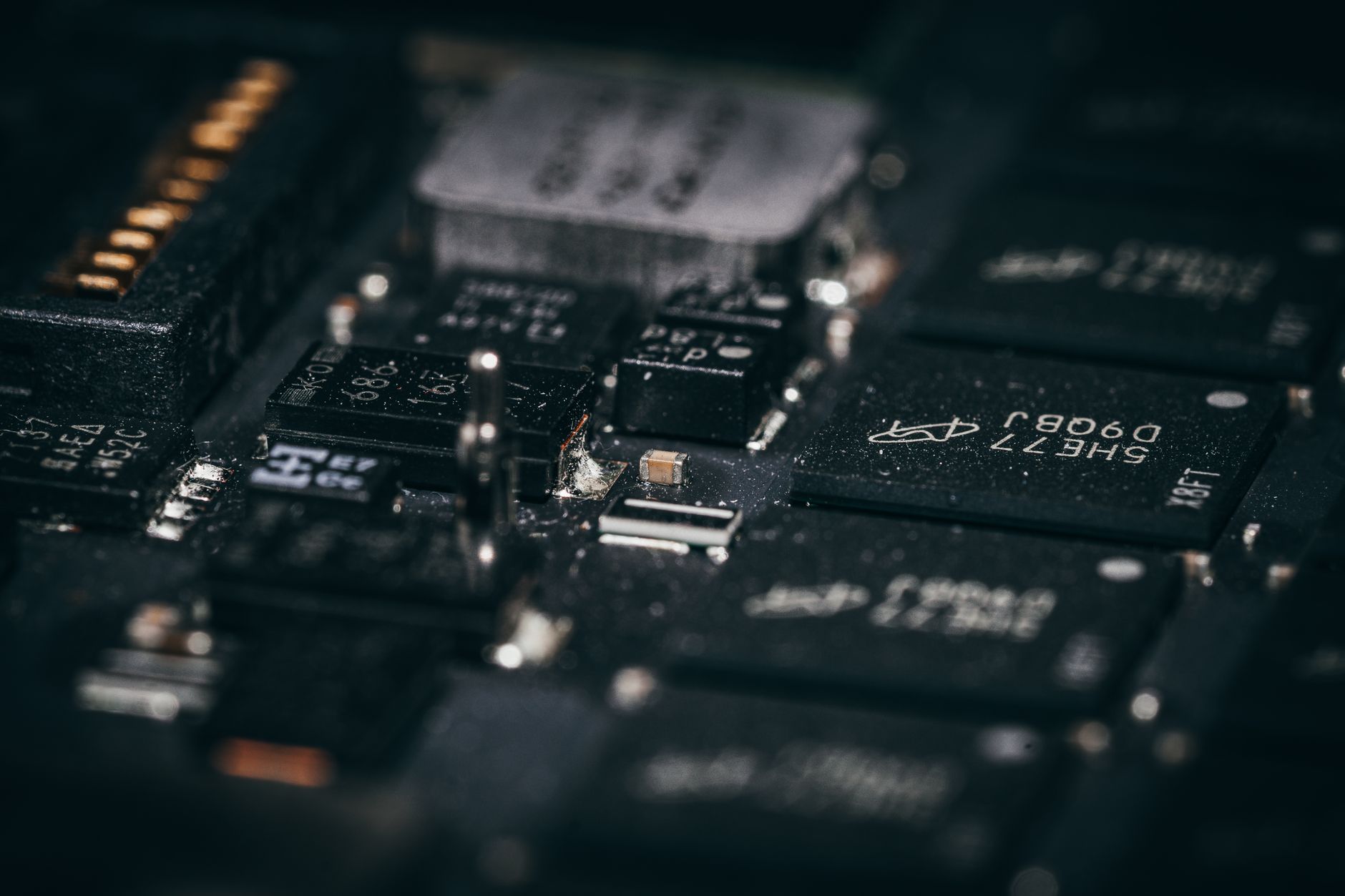
Illustrative image: Unsplash contributor on Pexels
An embedded product can often be built around a microcontroller, a microprocessor or a system-on-module. All three may be described as the product's computer, but they lead to very different development programmes.
A microcontroller usually integrates its processor core, non-volatile programme memory, SRAM and a broad set of peripherals on one device. An applications microprocessor normally depends on external memory and storage and is commonly used with a rich operating system. A system-on-module combines a processor with much of its supporting memory, power and high-speed layout on a production-ready module.
There are exceptions and crossover devices, so the label alone should never decide the architecture. The choice should begin with the product's real-time behaviour, user interface, connectivity, software and lifetime.
When a microcontroller is the natural fit
Microcontrollers are well suited to products that perform a defined set of control, sensing or communications tasks.
They can start quickly, respond deterministically to interrupts and run from internal flash without loading a large operating system. Integrated timers, analogue converters, communications peripherals and low-power modes can reduce the external component count.
An MCU is often the best starting point when the design needs:
- predictable real-time control;
- low standby and active power;
- fast boot;
- modest memory;
- a small display or no display;
- direct access to timers, converters and industrial interfaces;
- a compact PCB and controlled bill of materials.
The apparent simplicity should not be overstated. Modern MCUs can contain several cores, security engines, wireless radios and complex clock and power domains. Software can still become substantial, particularly where networking, graphics and over-the-air updates are involved.
When a microprocessor becomes attractive
An applications processor offers substantially more compute and memory headroom and is commonly paired with external DRAM and non-volatile storage. It may run Linux, Android or another feature-rich operating system.
That can be valuable for products requiring:
- complex graphical interfaces;
- web services or multiple high-level applications;
- large data sets;
- high-performance networking;
- camera, video or audio pipelines;
- extensive third-party software;
- containerised or remotely managed applications.
The extra capability brings additional design work. DDR routing, storage, power sequencing, signal integrity, boot firmware and thermal management become part of the platform. Boot time and power consumption may be higher. Software maintenance includes the operating system, drivers, security updates and the product application.
If the product only needs a fraction of that environment, the MPU can create cost and lifecycle work that never produces customer value.
What a system-on-module changes
A system-on-module places a processor and supporting components on a small module. Depending on the product, it may include DRAM, flash or eMMC, a power-management IC, clocks, wireless functions and a validated high-speed layout.
The product designer then develops a carrier board around the module rather than laying out the complete processor platform.
This can shorten development and reduce risk in areas such as DDR layout, fine-pitch assembly and radio certification. It can also make it easier to offer multiple performance tiers on a common carrier board.
The trade-off is dependence on the module supplier. The design inherits the supplier's component choices, software support, change-control process, availability and commercial terms.
A module is therefore not just a component. It is a long-term platform relationship.
Compare the complete hardware, not the processor price
An MCU may appear more expensive than an entry-level MPU until the external DRAM, storage, PMIC, clocking and additional PCB layers are included. A module may carry the highest unit price but remove expensive engineering, assembly and test work.
Build three system-level bills of materials. Include:
- processing device or module;
- programme and working memory;
- storage;
- power rails and sequencing;
- oscillators and clocks;
- Ethernet or wireless hardware;
- PCB area, layer count and assembly class;
- programming and production test;
- heatsinking or airflow;
- licences and software maintenance.
The cost of recovering from a failed high-speed layout or delayed board spin also belongs in the decision, even though it will not appear in the production BOM.
Real-time performance is not the same as processor speed
A fast processor running a rich operating system may deliver excellent average performance while providing less predictable response than a modest MCU running bare metal or a real-time operating system.
If the product controls power electronics, motion, safety interlocks or tightly timed communications, define the worst acceptable response time and jitter. Decide which functions must remain deterministic.
Some products use a mixed architecture. An MPU handles graphics, networking and application software while an MCU controls real-time tasks. The division can improve predictability, but it creates an interprocessor interface and two software platforms to maintain.
Start-up and recovery matter
An MCU can often execute application code very soon after reset. An MPU platform may pass through boot ROM, first-stage bootloader, second-stage bootloader, kernel initialisation and user-space services.
For a dashboard or industrial terminal, a longer boot may be acceptable. For a protection function or control loop, it may not be.
Define what the product must do during start-up, failed updates and damaged storage. A system that relies on Linux should have a controlled update and recovery design rather than treating the operating system as a fixed component.
Examine software ownership
The architectural choice determines what the engineering team must own for the life of the product.
An MCU design may require board support code, an RTOS, protocol stacks and the application. An MPU or module platform can add a Linux distribution, bootloader, device tree, drivers, package management and ongoing vulnerability response.
Ask:
- Who maintains the board-support package?
- How long will the operating-system branch receive security updates?
- Can the product be rebuilt without a vendor-hosted service?
- Are binary-only drivers required?
- What happens when the original display, memory or wireless device changes?
- Is the update mechanism recoverable if power fails?
A quick prototype is not proof of a maintainable platform.
Check lifecycle at every layer
Microcontrollers can remain in production for many years, but the exact orderable device and toolchain still need checking. An MPU platform may depend on several memory and power devices. A module consolidates these risks but transfers visibility and control to the supplier.
For a module, request a clear statement covering product longevity, notification periods, form-fit-function replacement policy, software maintenance and whether component substitutions can occur without a module part-number change.
For a processor-down design, identify the ownership of every critical memory, PMIC and clock component. Confirm that the software can support approved alternatives where practical.
A decision framework
Choose an MCU when deterministic control, low power, fast boot and high integration dominate.
Choose an MPU when the product genuinely needs rich applications, large memory, advanced graphics or substantial high-level software.
Choose a system-on-module when processor-level capability is required but the schedule, team or production volume does not justify owning the complete high-speed platform.
Then test the uncomfortable assumptions. If the display becomes more complex, does the MCU still fit? If volume increases, does the module remain commercially viable? If the Linux supplier stops supporting the chosen branch, can the team maintain it? If the module changes, is the carrier board protected?
The best architecture is not the one with the highest benchmark. It is the one the organisation can build, secure, manufacture and support for the intended product life.
Technical sources
- NXP, Crossover embedded processors: applications processors vs MCUs.
- STMicroelectronics, STM32 MCU basics and selection considerations.
- NXP, Processors and microcontrollers portfolio guidance.