How Silicon Labs connects AI coding assistants to Bluetooth hardware development
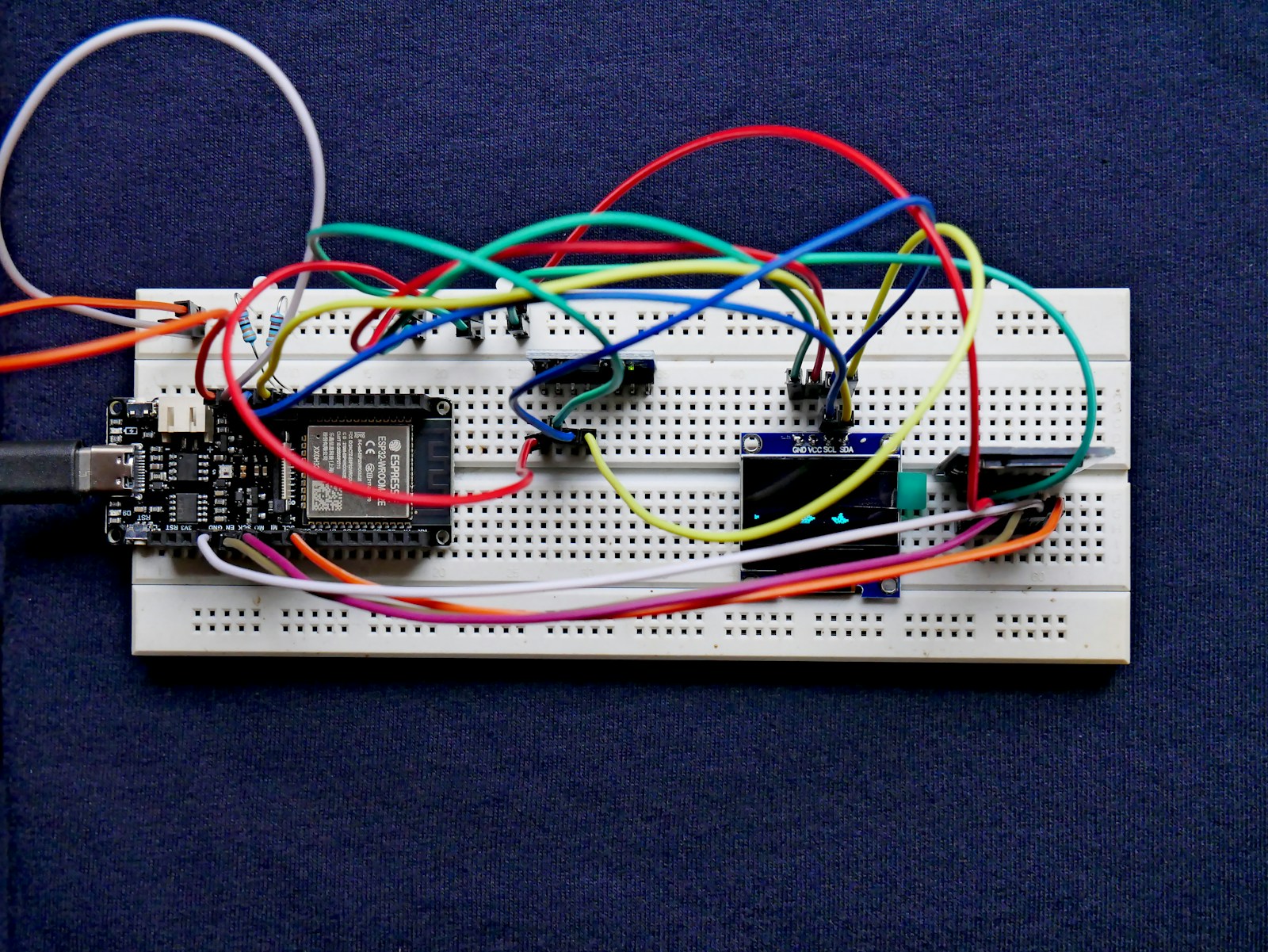
Illustrative image: Vishnu Mohanan on Unsplash
Silicon Labs’ Simplicity AI SDK gives coding assistants access to an embedded project’s configuration, development tools and connected hardware. A request to change firmware can therefore lead through compilation and device programming to inspection of the running application.
The public beta provides integrations for assistants including GitHub Copilot, OpenAI Codex and Cursor. Its release notes identify Bluetooth LE as the fully supported starting point; other protocol workflows are not yet fully supported.
The integration supplies project information and development interfaces that a general coding assistant would otherwise need to obtain separately. These include version-specific SDK documentation, APIs, examples and metadata describing the project.
Silicon Labs exposes that information through Model Context Protocol servers, reusable skills and command-line tools. MCP provides a structured interface through which an assistant can discover and call available tools. The skills describe development procedures, while the command-line interfaces perform operations in the local toolchain.
From a GATT configuration to running firmware
In a Bluetooth LE project, the workflow can include creating and validating a GATT configuration, discovering a connected development board, compiling the firmware and programming the device.
GATT defines the services and characteristics through which a Bluetooth LE device exposes information. Linking its configuration to the rest of the project lets the assistant work with the selected services and generated code, rather than treating them as an unrelated description in a prompt.
Compilation produces diagnostics from the actual project. If a build fails, the assistant can use that output to investigate the error and propose a modification. Device programming then extends the workflow to the target board, where serial logs and debugger information provide evidence about execution.
Those steps test different things. A compiler checks whether the code can be built with the selected toolchain. A debugger or runtime log can reveal what happens when that firmware runs. Neither alone establishes that the product meets its radio, timing or energy requirements.
The beta’s tool set also includes interfaces to Silicon Labs’ Advanced Energy Monitor, Network Intelligence and Channel Sounding Analyzer. These provide routes into power measurements and wireless diagnostics alongside conventional build and debug operations.
The documented architecture places the coding agent between the developer’s environment and Silicon Labs’ integration layer. Beneath that layer sit the configuration, build, debug and device tools, followed by the connected kit or adapter. Tool results return through the same chain for the next development step.
Silicon Labs’ release notes identify validated integrations for Visual Studio Code with Copilot and Codex, alongside Cursor. The SDK is installed through the Simplicity Installer with the associated development components.
Sources
Silicon Labs public-beta explanation; Simplicity AI SDK release notes; Simplicity AI SDK architecture; SDK installation.